sui-decompile
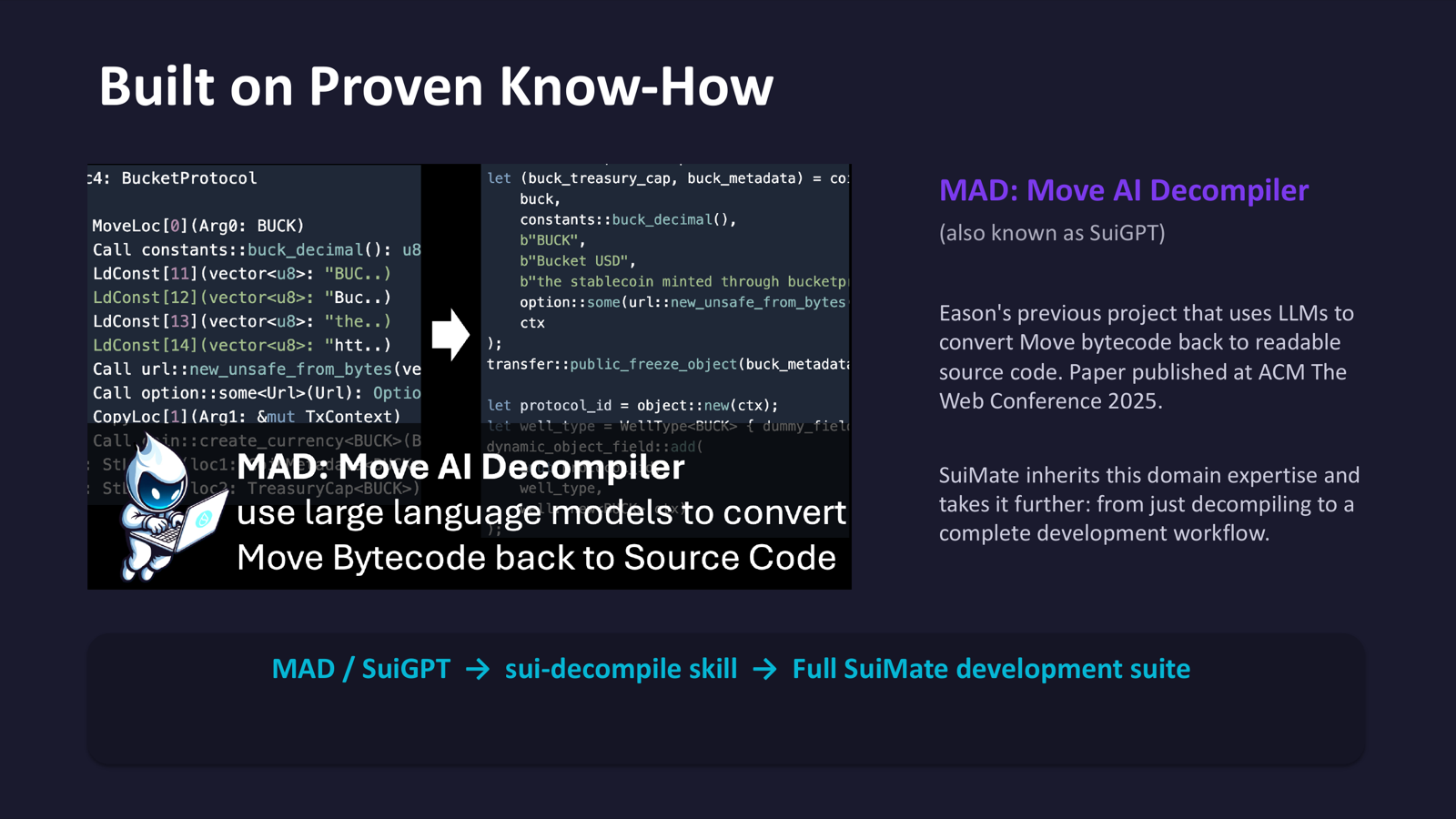
Fetch on-chain Sui Move contract source code and let your agent explain how smart contracts work. Built on the domain expertise of MAD (Move AI Decompiler), published at ACM The Web Conference 2025.
Overview
This skill enables your AI agent to fetch decompiled or verified source code for any on-chain Sui Move package using block explorers (Suivision and Suiscan). The agent can then analyze, explain, and learn from existing contracts.
Installation
bash
clawhub install sui-decompileOr manually copy the sui-decompile/ folder to your workspace's skills/ directory.
Features
- Fetch verified source code from Suivision (preferred; may have official verified source from MovebitAudit)
- Fetch decompiled code from Suiscan (alternative; uses Revela decompiler)
- Multi-module package support
- Browser automation workflows with JavaScript extraction snippets
- Server/headless setup via Puppeteer + xvfb
Prerequisites
- Browser automation setup (OpenClaw browser profile or Puppeteer)
- For headless servers:
xvfbvirtual framebuffer
Usage Examples
Browser Workflow (Suivision)
- Navigate to
https://suivision.xyz/package/{package_id}?tab=Code - Click module tabs if the package has multiple modules
- Extract code with JavaScript:
javascript
() => {
  const rows = document.querySelectorAll('table tr');
  const lines = [];
  rows.forEach(r => {
    const cells = r.querySelectorAll('td');
    if (cells.length >= 2) lines.push(cells[1].textContent);
  });
  return lines.join('\n');
}
Browser Workflow (Suiscan)
- Navigate to
https://suiscan.xyz/mainnet/object/{package_id}/contracts - Click "Source" tab
- Use the same extraction snippet
Example Packages
| Package | Suivision URL |
|---|---|
| Sui Framework | suivision.xyz/package/0x2?tab=Code |
| DeepBook | suivision.xyz/package/0xdee9?tab=Code |
Headless Server Setup
bash
sudo apt-get install xvfb
xvfb-run --auto-servernum node scraper.js
Notes
- Suivision may show official verified source (MovebitAudit)
- Suiscan shows Revela decompiled code
- Decompiled code may not compile directly
- Close browser tabs after use