Getting Started
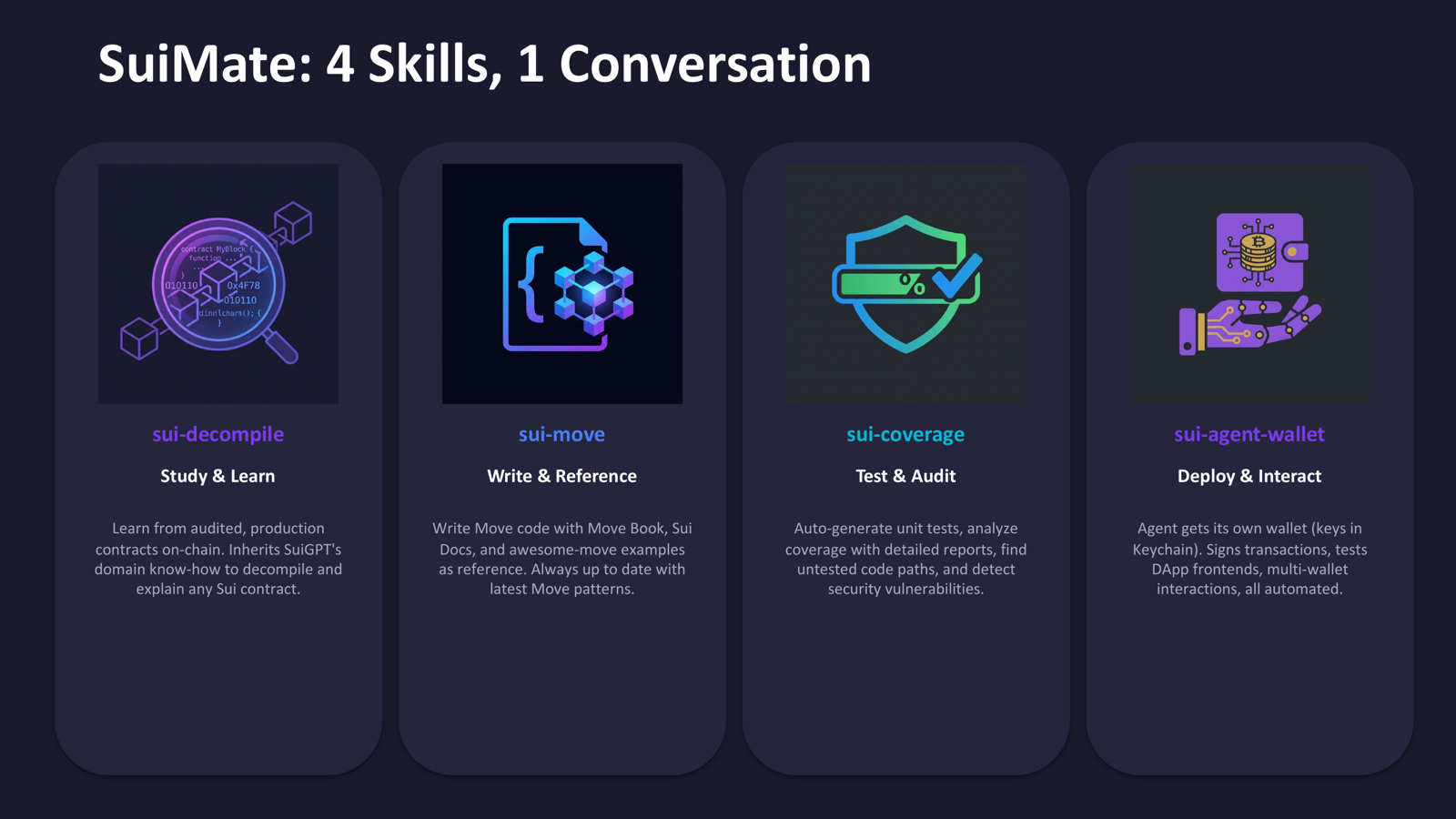
SuiMate is a collection of OpenClaw skills for Sui blockchain development. These skills enable your AI agent to study, write, test, and deploy Move smart contracts.
Prerequisites
- OpenClaw installed and configured
- Sui CLI (
brew install suion macOS) - Python 3 (for coverage tools)
- Bun (for agent wallet server)
- Chrome/Chromium (for wallet extension and contract decompilation)
Installation
Via ClawHub
bash
clawhub install sui-move
clawhub install sui-decompile
clawhub install sui-coverage
clawhub install sui-agent-wallet
clawhub install mcp-server
Manual Installation
Clone the repository and copy the skill folders you need into your OpenClaw workspace:
bash
git clone https://github.com/EasonC13-agent/sui-skills.git
cp -r sui-skills/<skill-name> <your-workspace>/skills/
Workflow
The five skills work together for a complete Sui development workflow:
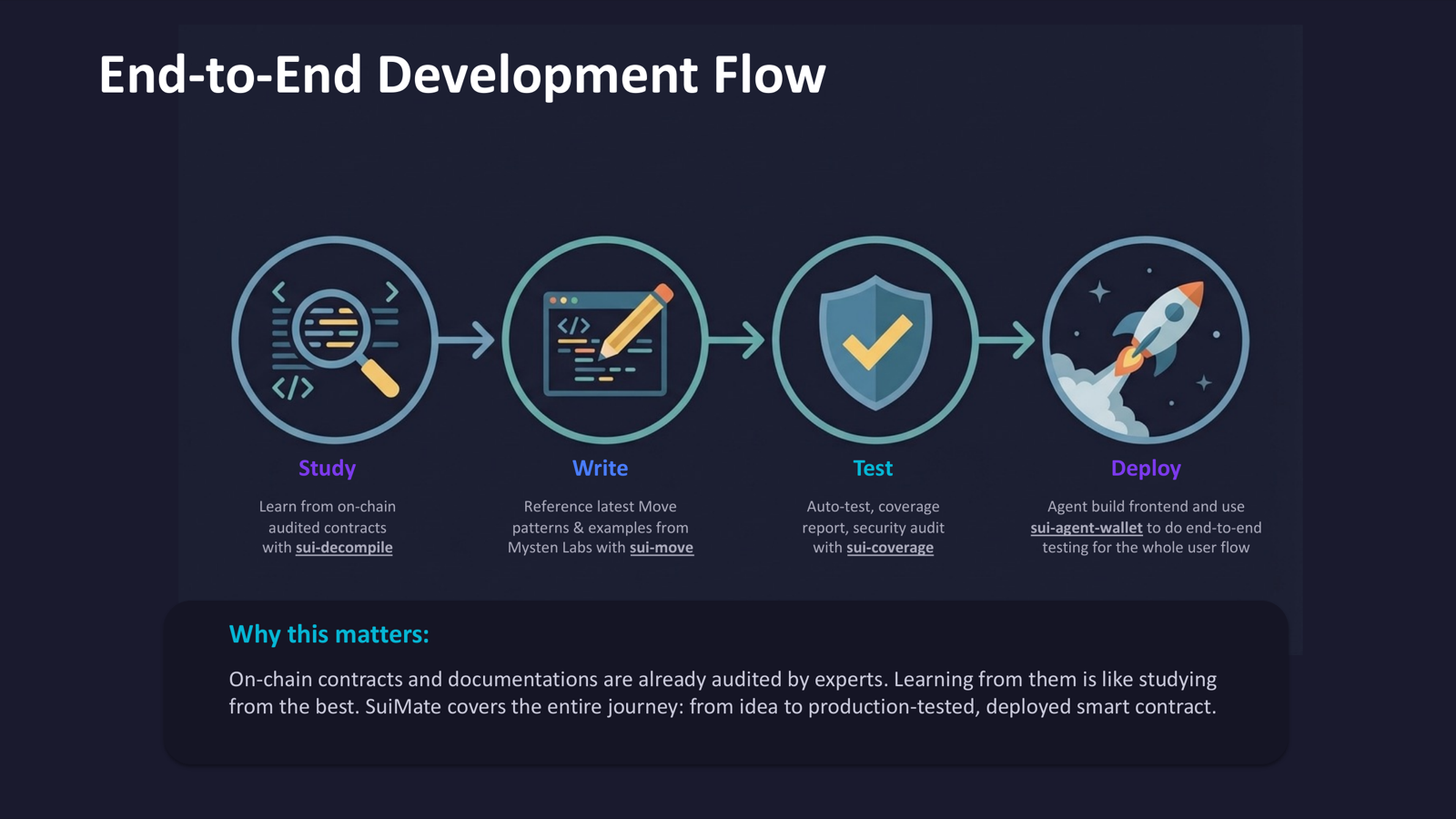
- sui-decompile: Study how existing contracts work by fetching on-chain source code
- sui-move: Write your own contracts using the Move language reference and patterns
- sui-coverage: Analyze test coverage, write missing tests, and audit for security issues
- sui-agent-wallet: Deploy contracts and interact with DApps using the agent's own wallet
- mcp-server: Expose all tools to Claude Code via MCP for seamless integration
Example: Build a DeFi Protocol
- "Show me how DeepBook's order matching works" (sui-decompile fetches the source)
- "Help me write a simple AMM based on what we learned" (sui-move writes the contract)
- "Analyze test coverage and write missing tests" (sui-coverage runs analysis)
- "Check for security vulnerabilities" (sui-coverage performs audit)
- Agent uses its wallet to publish the contract to testnet (sui-agent-wallet)
Test Networks and Faucets
Get free SUI tokens for development:
| Network | Faucet URL |
|---|---|
| Testnet | https://faucet.testnet.sui.io/ |
| Devnet | https://faucet.devnet.sui.io/ |
Or via CLI: sui client faucet --address <YOUR_ADDRESS>